


 My Clear
Free
For getting started on your own.
$0
Free forever
Start free- Enter your own spending
- Upload bank statements
- Budgets
- Savings goals
- Maaser tracking
- Gemach tracking
- Hebrew & English

Budget, maaser, gemach loans and savings goals, together in one calm place. In English or Hebrew, and simple enough for everyone at home.
Money on your mind, all the time.
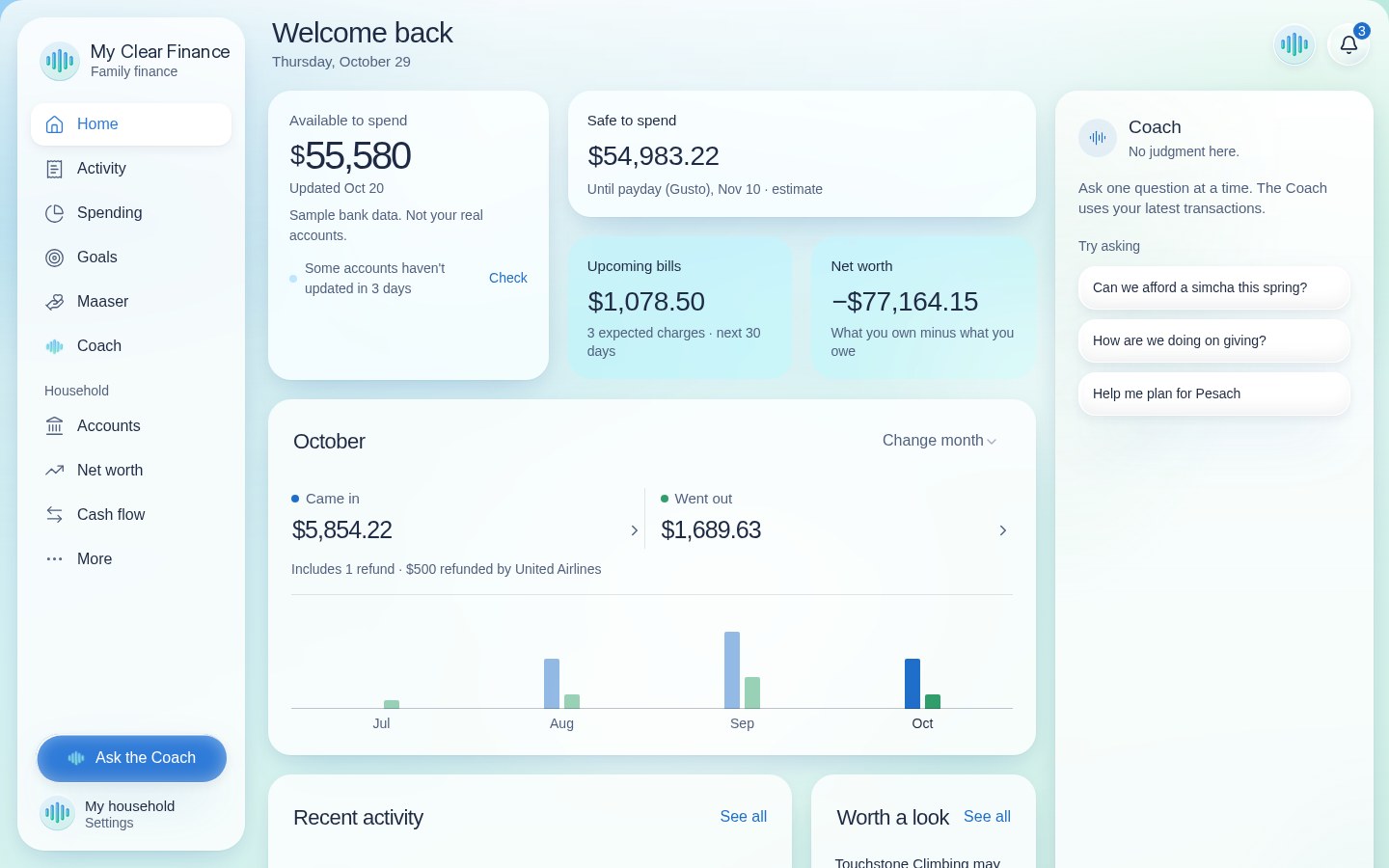
One look, and you know where you stand.
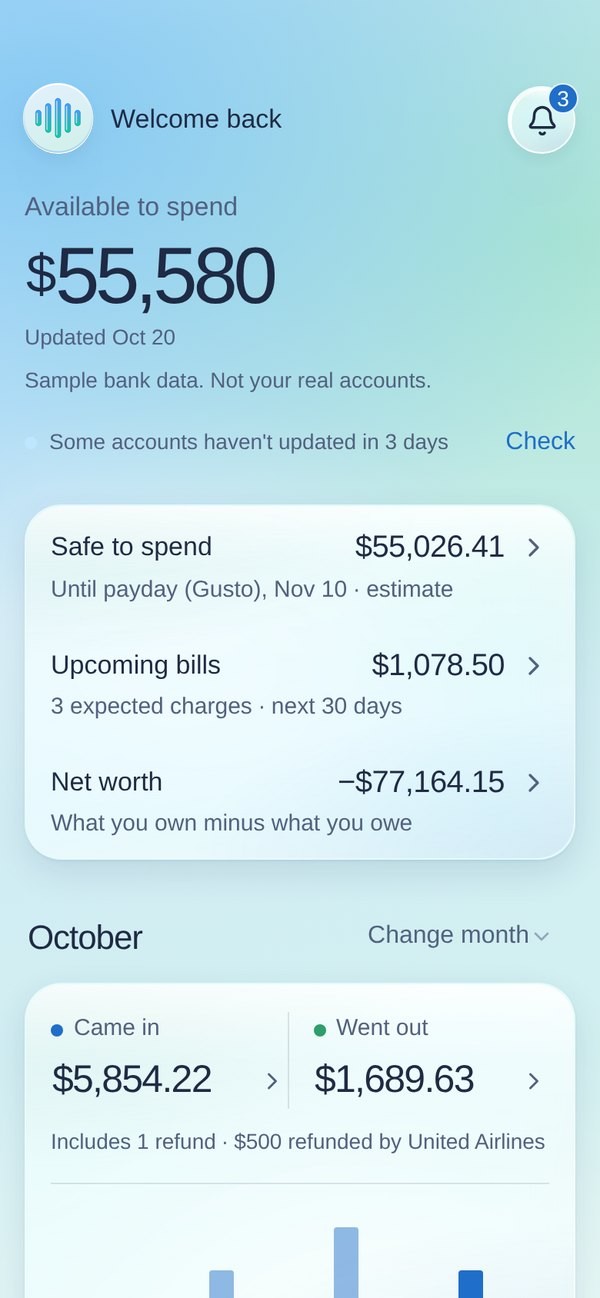
Open it on the computer at home, or on your phone in the store. Same account, same numbers, always up to date.
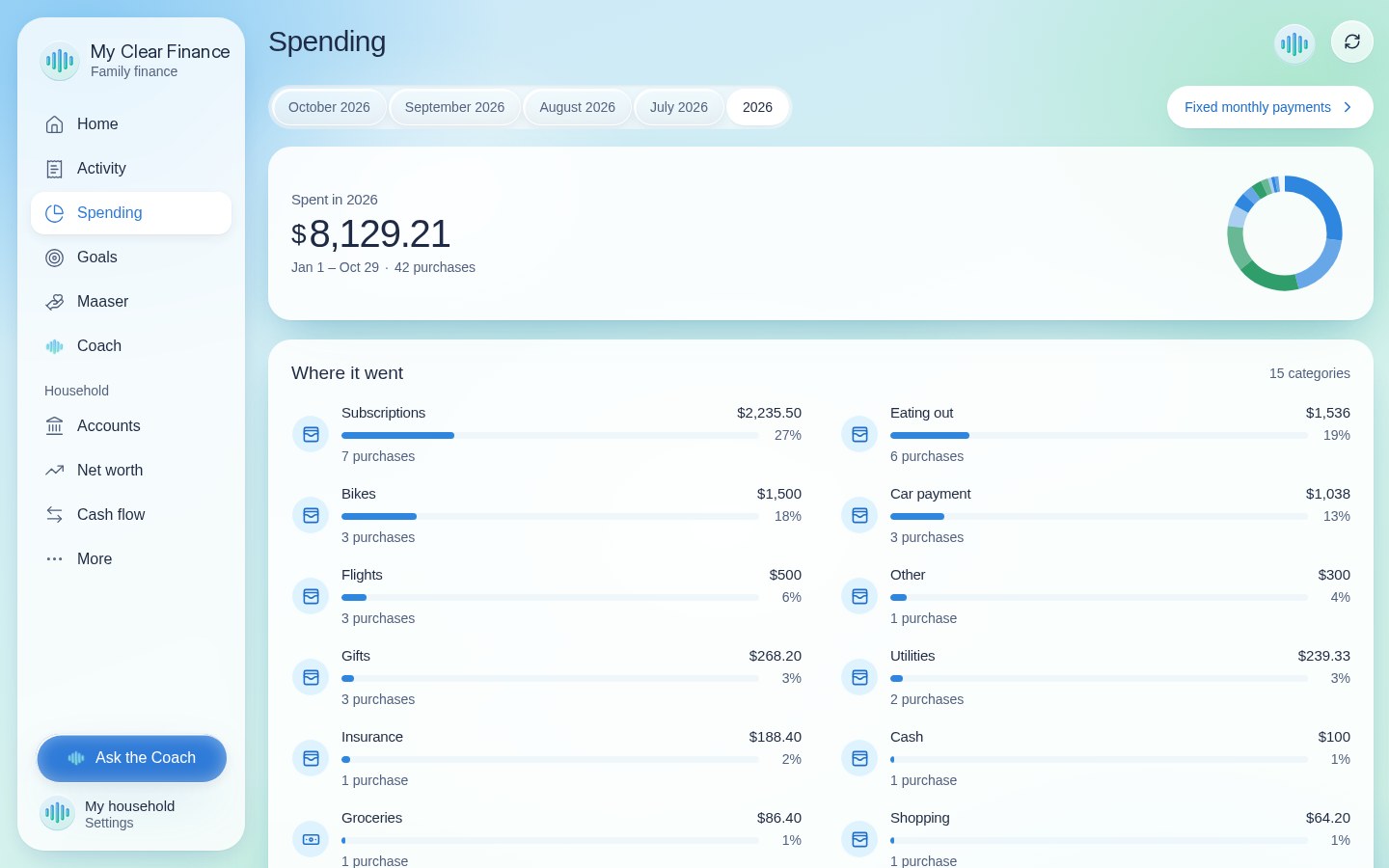
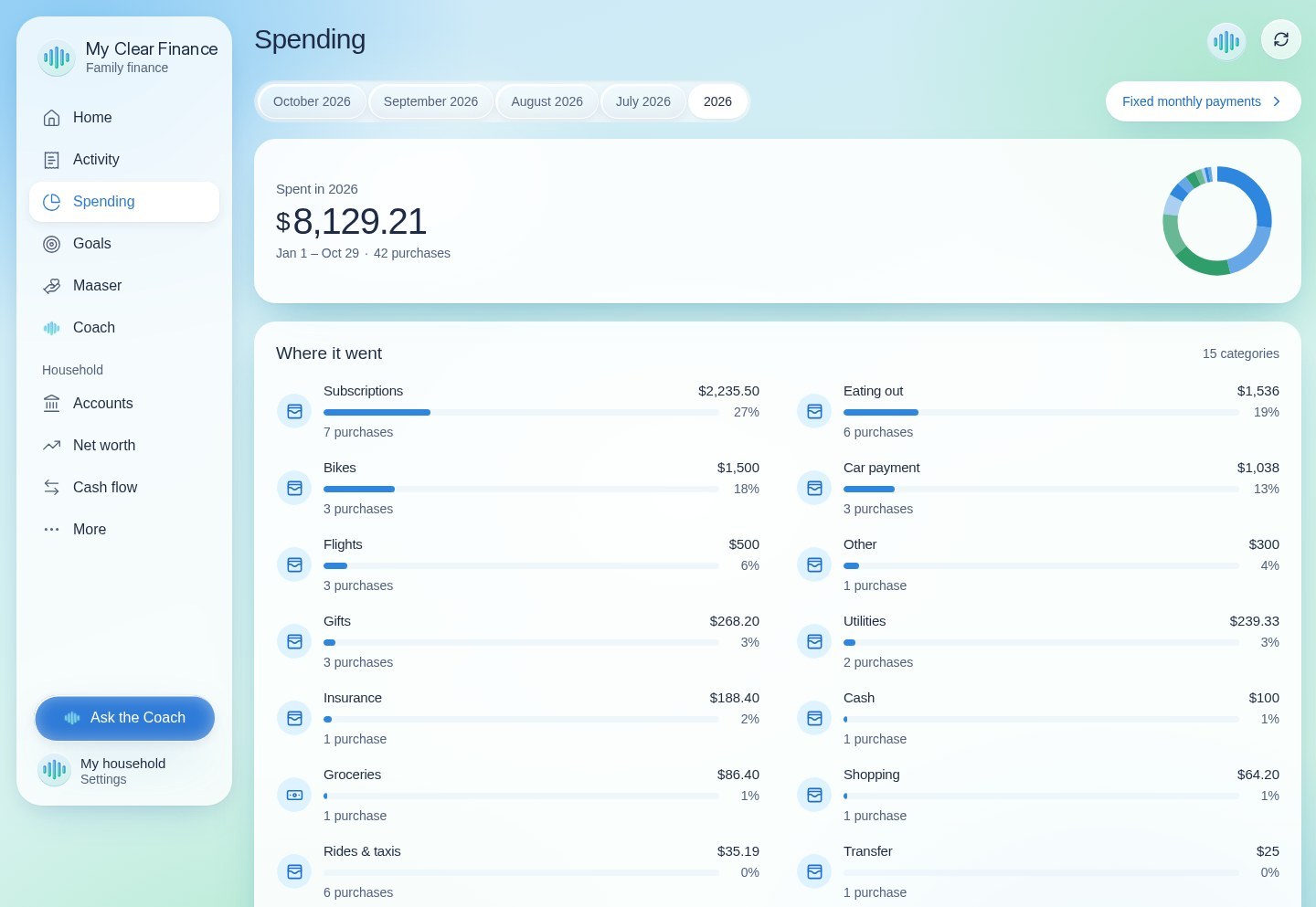
Connect your bank or upload a statement. Purchases are sorted into simple groups, so the month makes sense at a glance.

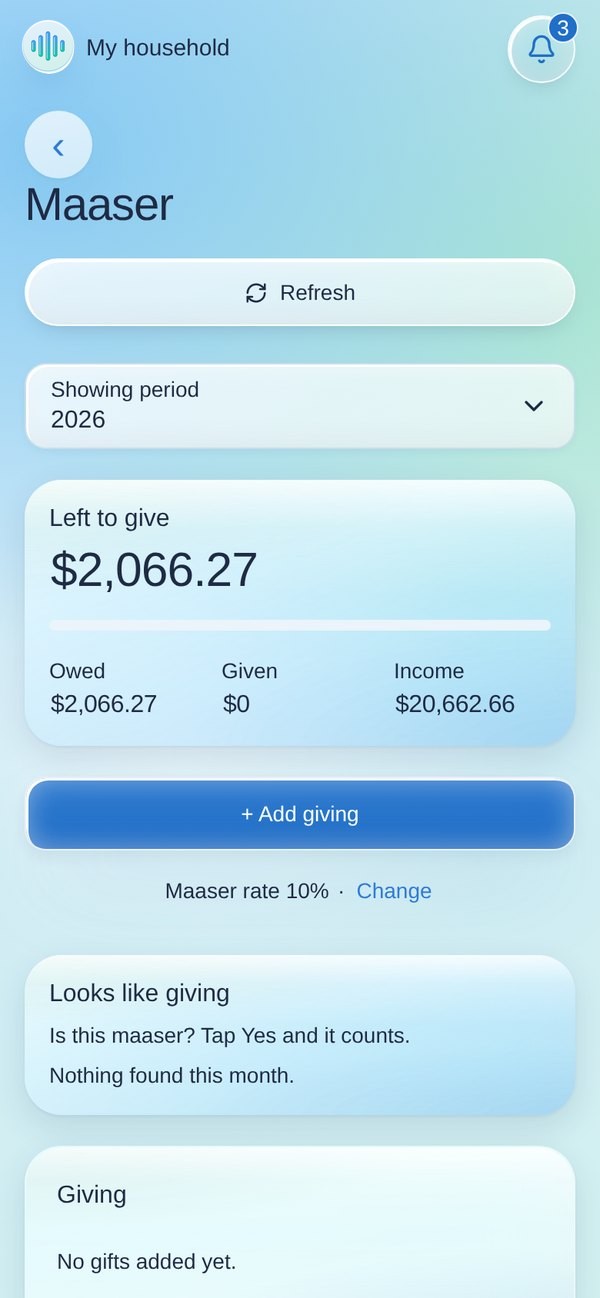
Choose 10% or 20%, and the app works out what you owe from the income that comes in. Log what you give and always know your balance.

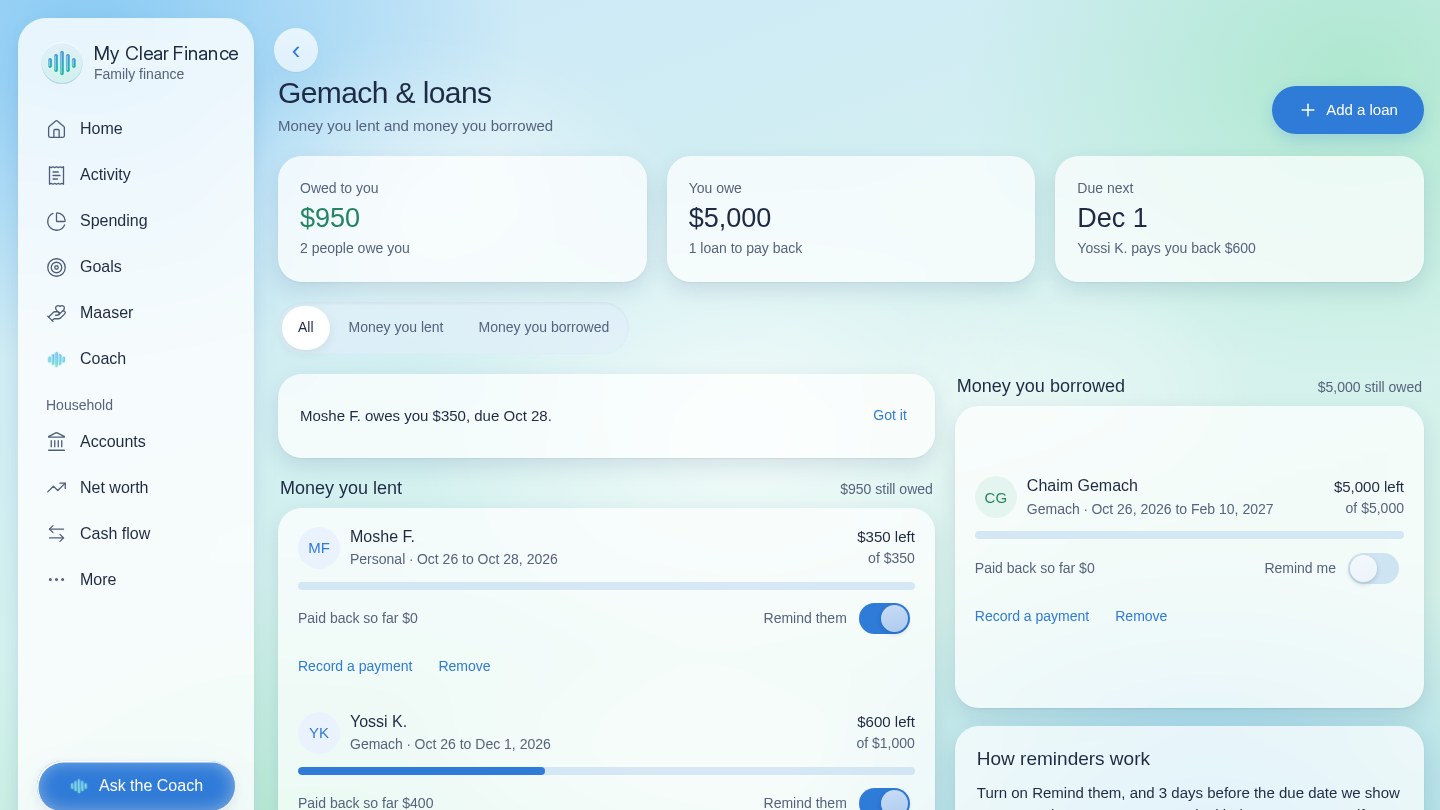
Keep track of gemach loans you give or take: who, how much, and what's been paid back. No more awkward guessing.

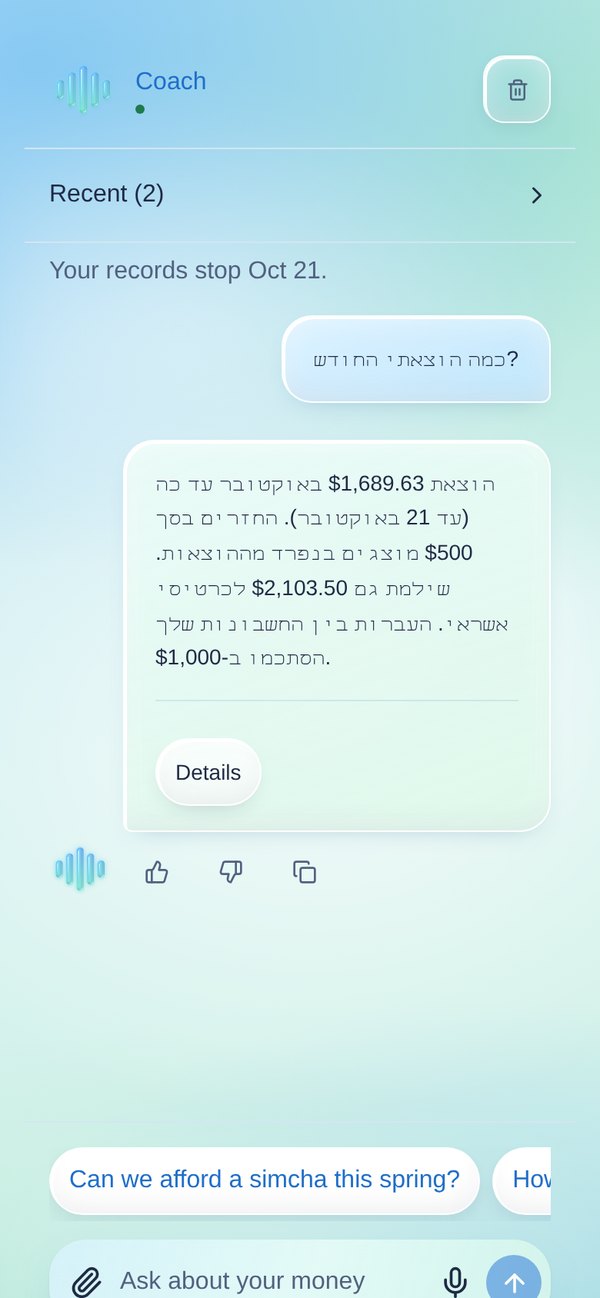
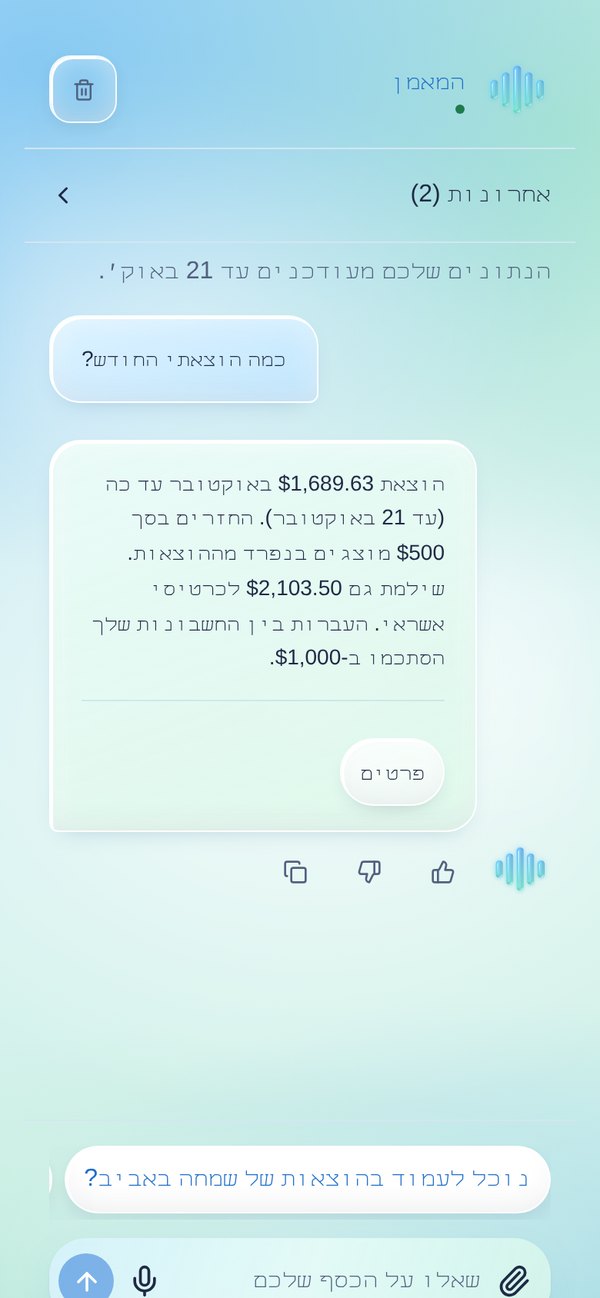
"Can we afford a new couch this month?" Your Coach looks at your real numbers and answers in plain words, in the language you're comfortable with.
Put money aside for Pesach, a chasuna or a new car, and watch each goal fill up.
What you own minus what you owe, in one number that grows with you.
Big, clear screens and plain words. Easy for parents, grandparents and teens alike.
It takes about a minute. No credit card needed.
Link your bank safely, or upload a statement if you prefer.
Set your maaser and goals, then let the app keep it all in order.
No app store needed. Open myclearfinance.com on your phone and add it to your home screen.
We built My Clear Finance for our own families first, so privacy isn't an extra. It's the starting point.
Bank links can read balances and purchases. They can never move your money.
You sign in to your bank through a secure partner. We never see or keep your password.
Everything you need to see your money clearly is free. Plus does the work for you.
For getting started on your own.
Free forever
Start freeFor families who want it done for them.
7-day free trial
Try Plus freeEverything in Free, plus:
Cancel anytime.
Something else on your mind? Write to us at office.mdbbookkeeping@gmail.com.
Yes. The Free plan is free forever. Plus is $5.89 a month, with a 7-day free trial, and you can cancel anytime.
Yes. The whole app, Coach included, works in Hebrew or English. Switch any time in Settings.
No. You can upload a bank statement or add things by hand. Connecting just saves you time.
You choose 10% or 20%. The app counts it from the income you receive and subtracts what you give.
No. It works in your browser, and you can add it to your home screen so it opens like any app.
Yes. Bank links are view only, and you sign in to your bank through a secure partner, so we never see your bank password.
Join the families who finally know where they stand.